Window size
Palora's window can be made smaller. Most plugins scale their contents along with the window, which can make values hard to read. Palora takes a different approach.
You can size Palora's window from full size at 1024 × 885, down to as compact as 640 × 500. Drag the edge of the window, in your DAW or in the Standalone app, in width and height.
How Palora is different
Every control keeps its full size, so nothing gets fiddly. Instead of resizing the controls, Palora adds scrollbars, so you can move up/down and sideways to reveal the controls you need.
To make that a smoother experience, we built a feature...
Edge Glide
With Edge Glide you can move around the window effortlessly and the contents will follow your movement. When you are close to the window edges the window scrolls automatically, faster the closer you get to the edge. While Edge Glide is on, the scrollbar turns teal and the edges are marked faintly. Nothing glides while you hold a mouse button so you don't accidentally scroll in the middle of setting a value.
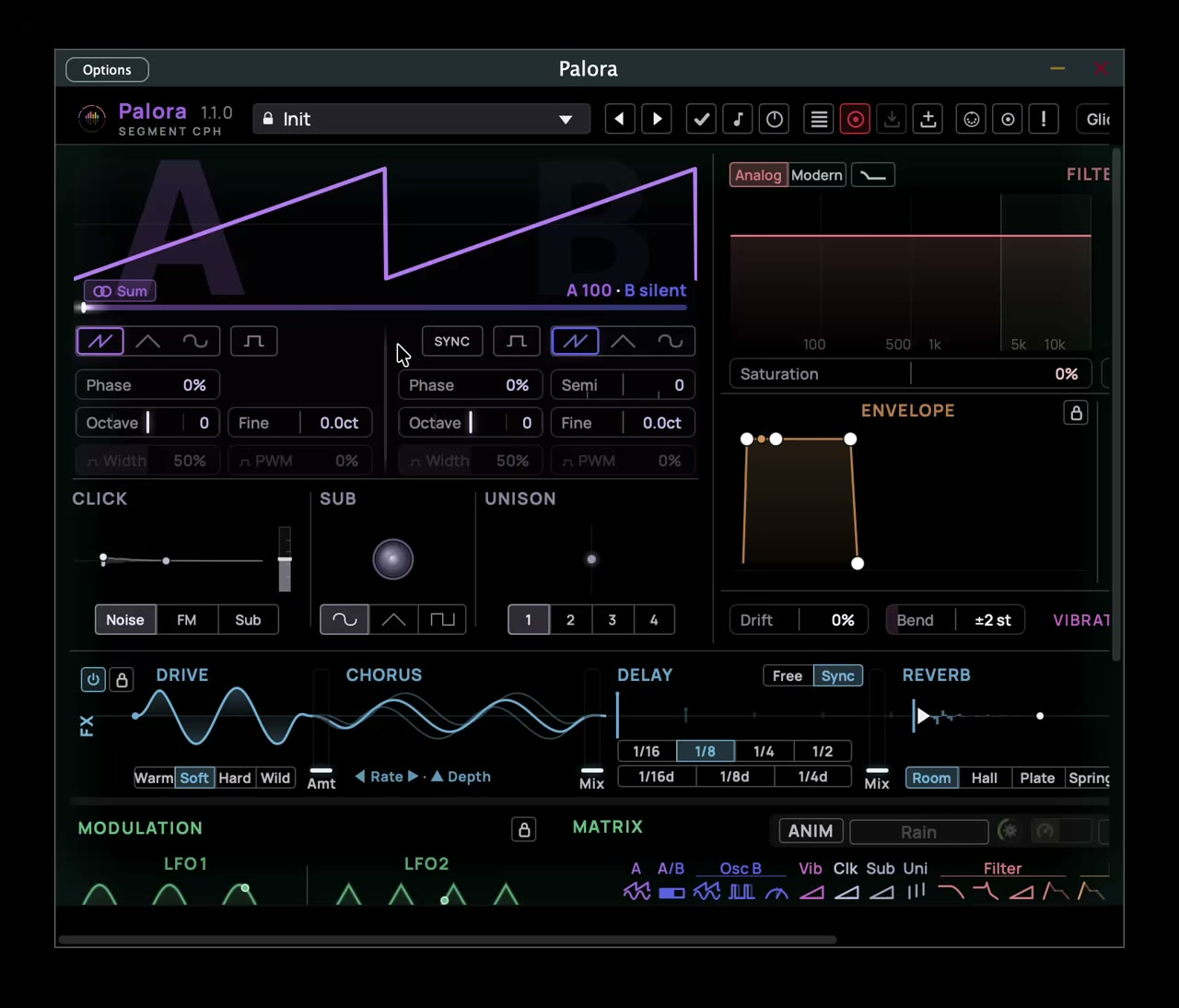
You toggle Edge Glide with ⌘-click (Mac) / Ctrl-click (Windows) on one of the scrollbars. It is off by default.
In Settings → Window you can toggle Edge Glide and set:
- Zone — how far from the edge gliding starts, 10–120 px. Saved on your machine.
- Speed — how fast it glides at the very edge, 0–100 %. Saved on your machine.
Fold the rows you don't need
Palora's UI is divided into three rows: the sound sources with Filter, Envelope and Transient, then FX, then Modulation with the Matrix. Each row folds down to its title bar. Click the chevron at the right end of the row's header, just after its lock. The same chevron on the folded bar opens the row again.
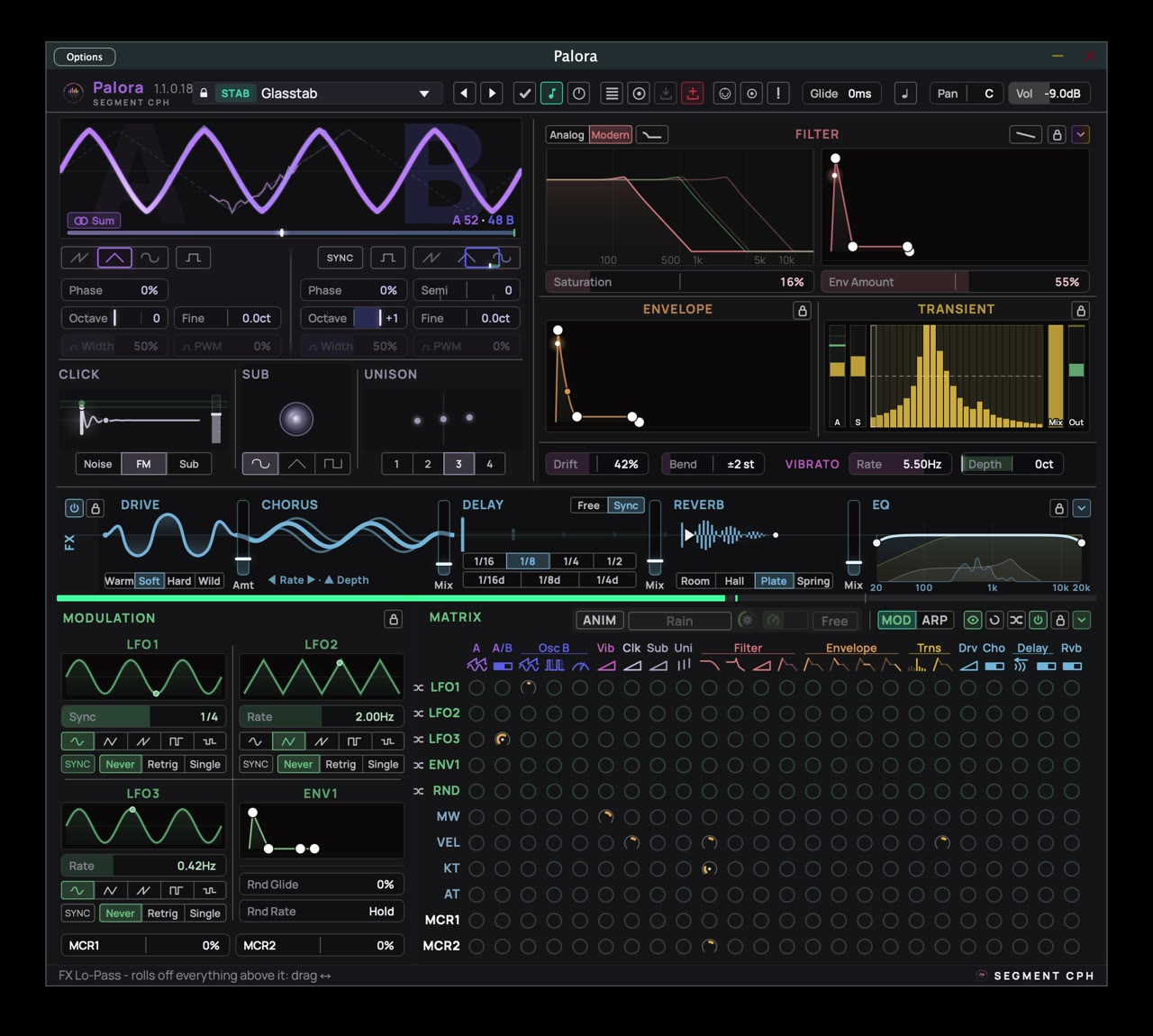
The window follows the page. Fold a row and the window gets shorter; open it and the window goes back to the height you set. If you have dragged the window shorter than the page, folding shrinks it only once the page is the shorter of the two. With all three rows folded the page is 179 px tall, so a folded Palora can be much shorter than the 500 px that an open one stops at.
Palora remembers which rows are folded on that computer. The Preset Manager always opens on the full page or the height you have set, and your folds come back when you close it.
Palora opens at the size you last gave it, in every project on that computer. On a smaller screen, such as a laptop, it fits itself to the space it has, clear of the taskbar, menu bar or Dock.