Palora
Virtual-analog synthesizer
Unleash your creativity
- Signature attack engine for snappy plucks and stabs
- Modulation matrix for instant routing and deep movement
- Create presets with your favourite AI*
- Play it live: MIDI Learn everywhere, plus standalone
- One versatile, full-range synth for all your sounds
* Palora itself has NO AI capabilities
Introduction price
normally €79.00
Charged in your local currency at checkout.
No account. No iLok. Activate offline — Palora never phones home.
Runs in Ableton Live, Logic Pro, FL Studio, Cubase, and any DAW that takes VST3 or AU — or on its own, with no DAW at all. Checkout is handled by FastSpring.
Every synth sound here is Palora straight out of the plugin, effects included — no external plugins, no EQ on individual tracks. Drums from various sources; the master bus carries EQ, compression and a limiter.
Produced and mixed by Raccain (Peter Bojesen) in Cubase.
Describe a sound. Get a patch.
Palora's presets are plain text files, and we wrote an AI brief that teaches any AI to write them. Give it to your assistant, describe a sound or a whole pack, and load the result. Using Claude? Install the Palora skill.
No AI runs inside the plugin. No account, no subscription.
Prompt: A warm, dusty pluck that blooms a little when I hit it harder.
Hayloft.palora
Dual engines, sub and click
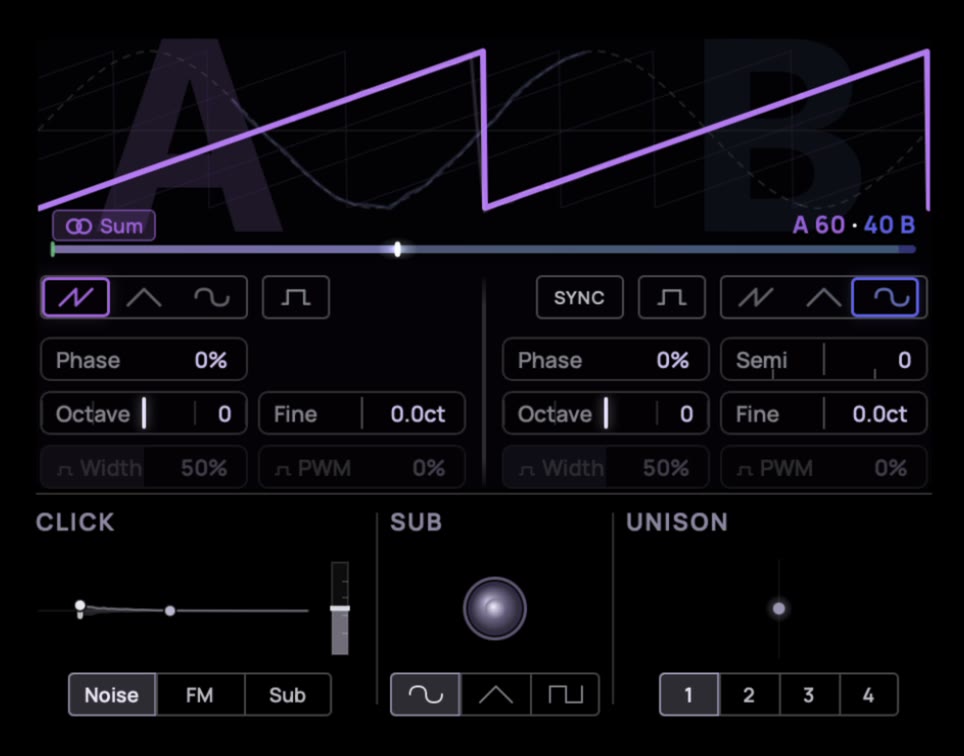
Twin morphing oscillators — Saw/Tri/Sine/Pulse. Our unique Click generator adds a punchy transient, while the sub gives the sound depth an octave below.
Detune, drift, and unison turn one note into an ensemble.
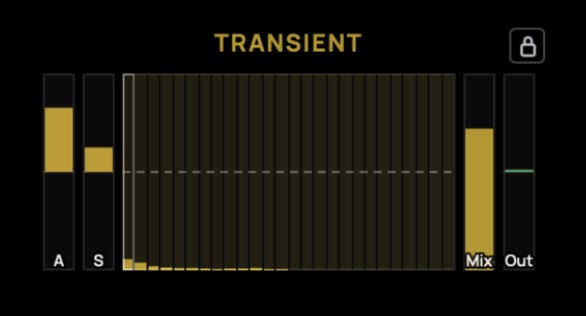
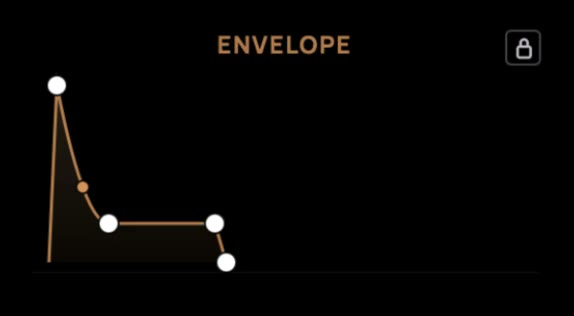
Transient Shaper
Our per-voice Transient Shaper sculpts the first ten milliseconds of every note.
Make your plucks snap, or make the bass cut through the mix without ruining the low end.
Combine it with our Click generator and you can make any sound snap.
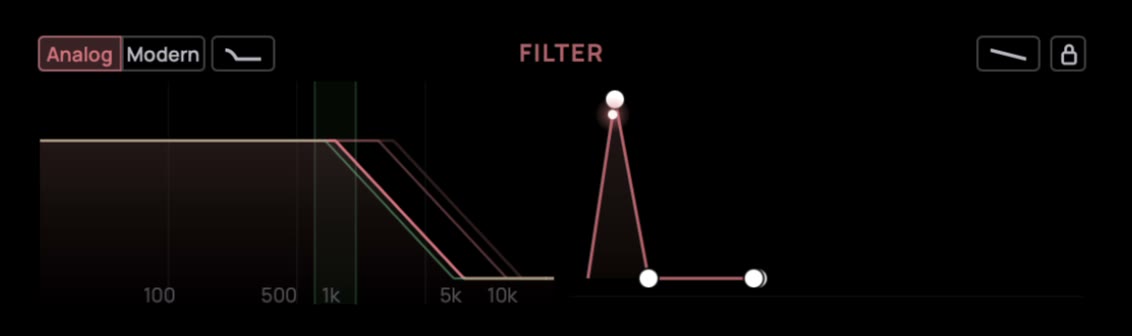
Warm or clean
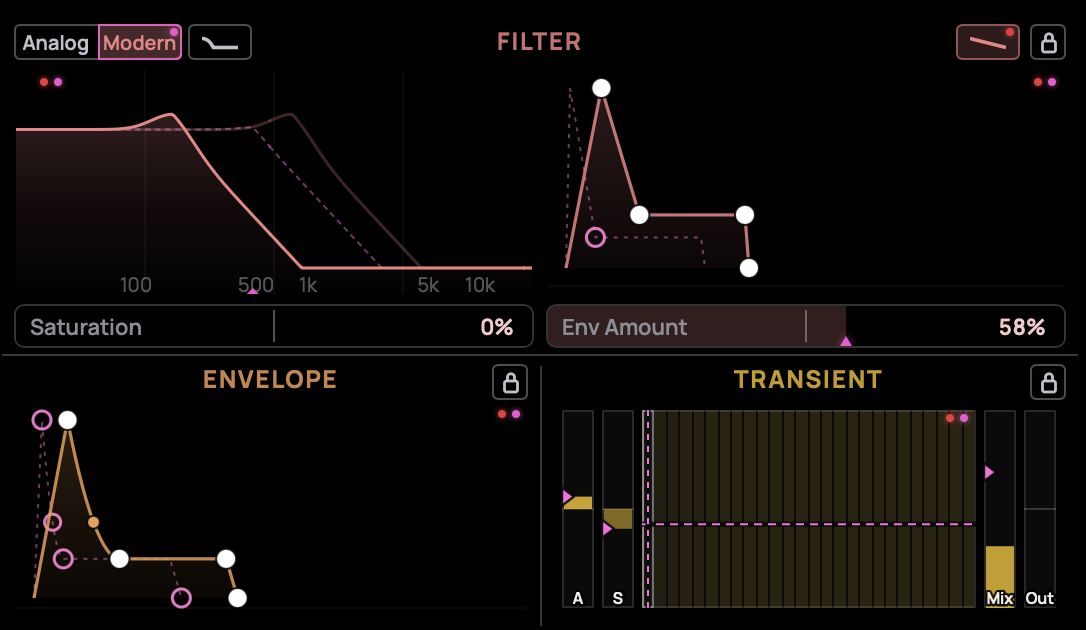
Palora’s ladder filter has two modes:
Analog adds a warm saturation. Modern stays clean all the way up to self-oscillation.
Use Bass Comp to compensate for low-end loss.
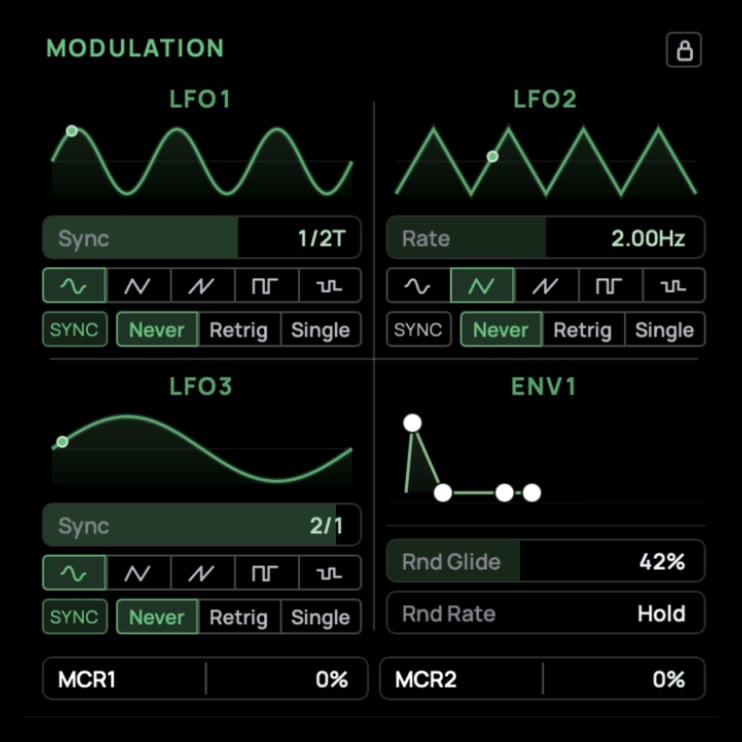
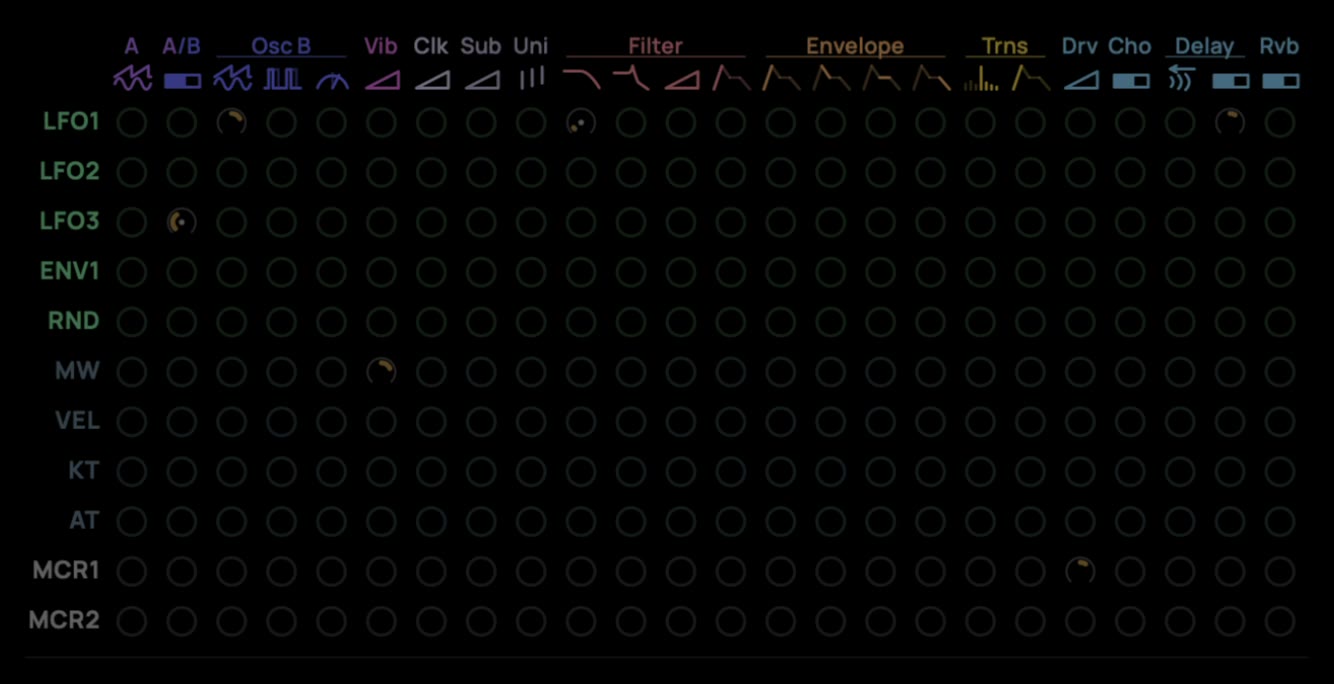
Multiple Modulation sources
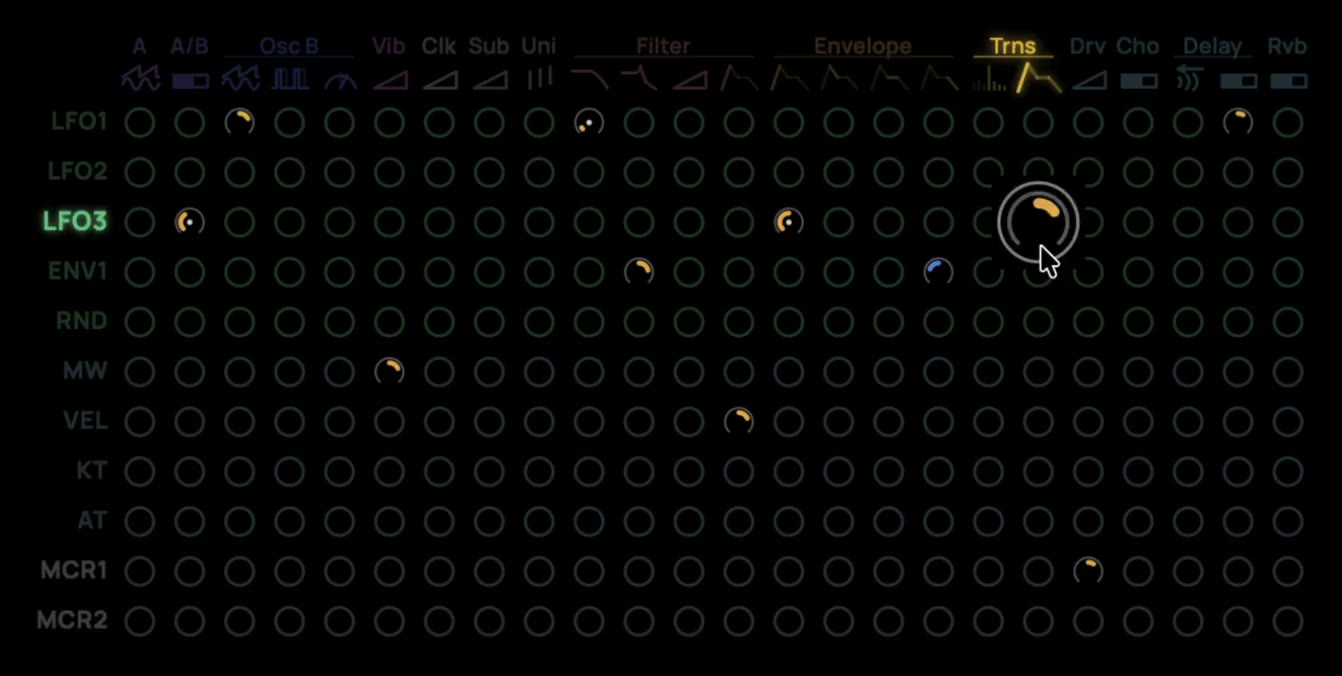
Give the sound movement with 3 LFOs, 1 envelope, 3 macros, and a per-note randomness modulator
— all of which can be linked to a parameter using the modulation matrix.
Easy manipulation
Wire modulation sources to any of the 24 parameters we selected for you, across a 24×11 cell grid. Use modulators alongside MIDI Velocity, ModWheel, and Aftertouch to add motion to your sound. The modulation matrix is the heart of Palora's motion. And to take the controls yourself, over every parameter, there's MIDI Learn.
Connect your
MIDI controller
A dedicated MIDI Learn mode lets you map any control (CC) to any parameter. Touch the parameter, wiggle a knob, and it's mapped. Take Palora off the mouse and onto the surface you already play — filters, oscillator settings, macros — everything Palora can do, you can control with your MIDI controller.
FX river with 5 FX stages
Drive, Chorus, Delay, Reverb, and EQ — a built-in effects chain with visual feedback that takes a raw patch to a finished, mix-ready sound without leaving the plugin.

Multiple input methods
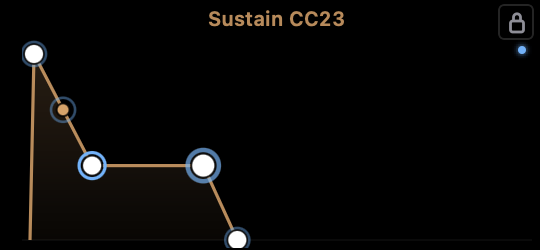
Every parameter can be set by dragging, scrolling or entering a value directly. Dial in any parameter however feels right in the moment, and hold Shift while scrolling or dragging to be extra precise.
- Drag
- Scroll
- Type
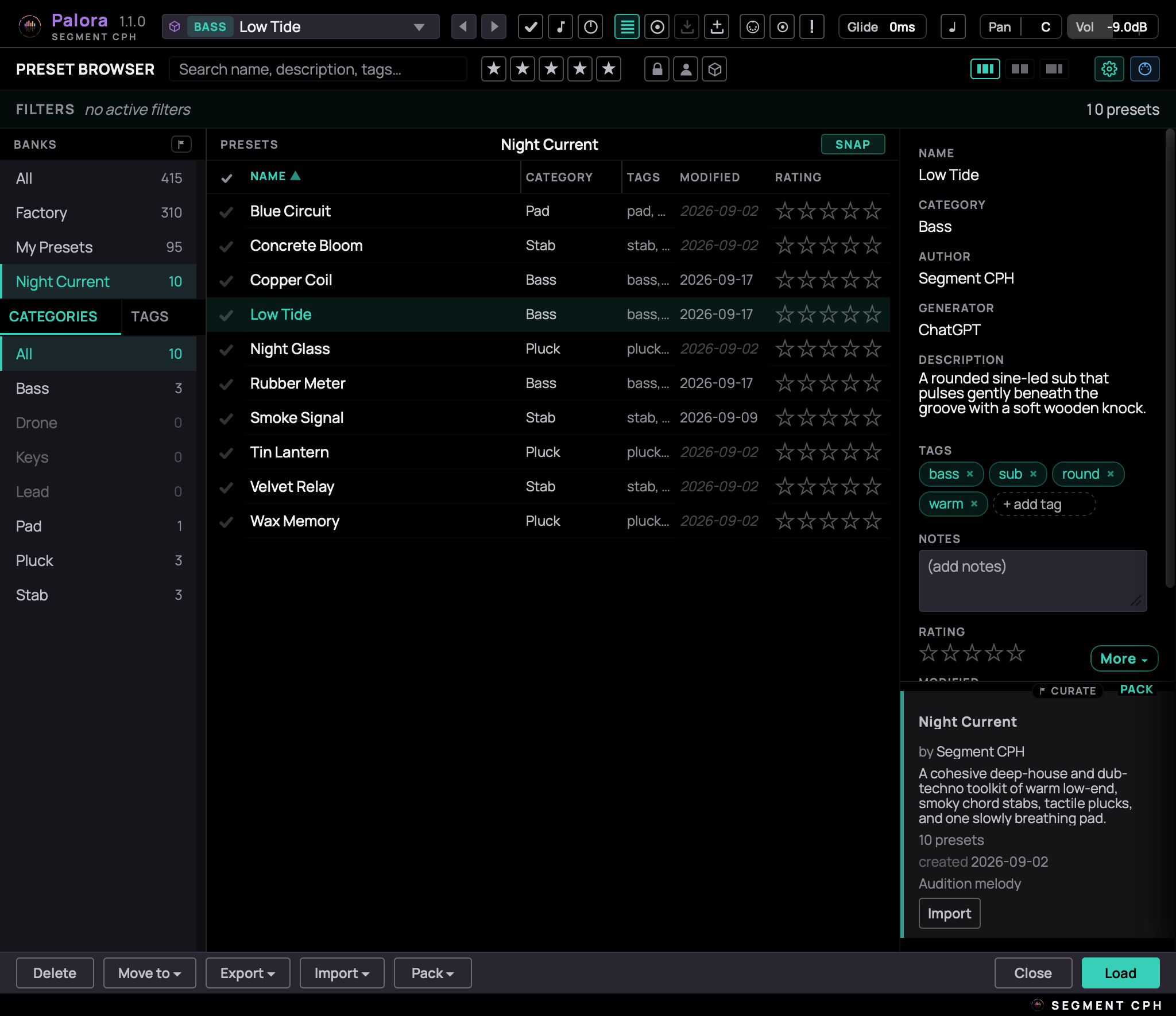
Palora's presets are a big deal
We built a modern preset manager with a comprehensive factory library. Here you can manage your presets and curate shared and AI-generated packs.
Categorise, move or audit them to build your own collection of premium sounds.
Trace your preset changes
Palora can show you where a preset differs from the default with a preset marker. A second marker flags exactly what you've changed since loading the preset.
Double-click a control to reset it to its default value, or Command/Ctrl + double-click to reset it to the preset value.
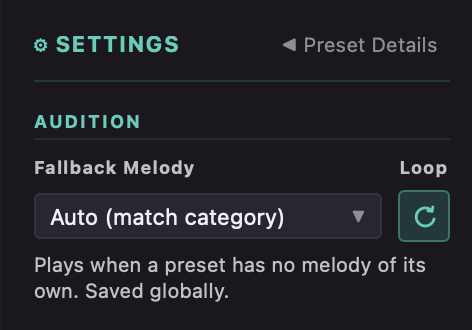
Audition your presets
We have added a hierarchy of audition MIDI. A default for each category, while any bank or individual preset can carry its own. So while browsing for the perfect sound, you can stay off the keyboard and let Palora play for you.
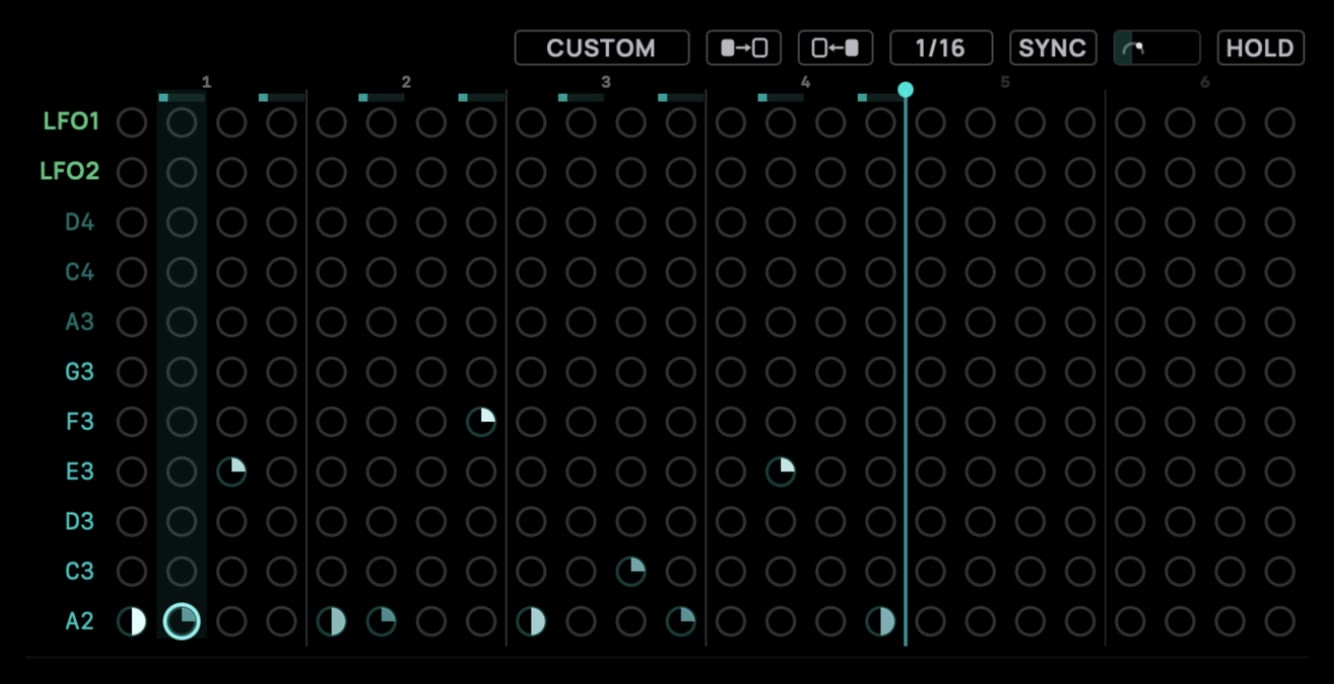
More melodies
If you want even more melodies, Palora has a built-in arpeggiator with multiple patterns and adjustable rate, swing, and gate settings.
And a bit of fun
Reimagining the matrix as a pixel matrix adds some cool animations to spice up your creativity. Watch the matrix come to life. Most of the styles are just for fun, but a few give real value as a practical VU-meter too.
Open preset format
Under the hood, every Palora preset is a readable JSON file. Open it in any text editor, compare two versions, keep your sounds in version control and share them as plain files.
But you can also create commercial packs for Palora with the read-only flag. A pack flagged read-only will be installed in Palora as a commercial bank, locked for edit and left out of the export menu, so its presets cannot be passed on as files.
{
  "format": "preset",
  "meta": {
    "name": "Halflight",
    "category": "Lead",
    "tags": ["lead", "warm"]
  },
  "params": {
    "oscShape": 30.0,
    "subShape": "Tri",
    "modAmt_3_10": 35.0
  }
}
Good to know
- What does Palora run on?
- VST3, AU, and Standalone — native on macOS and Windows.
- Is there a free trial?
- Yes — a free, fully-featured 14-day trial, so you can put it through its paces in your own projects before buying.
- What's your refund policy?
- You have 14 days to ask for a full refund, as long as you haven't downloaded your license file yet. Full terms on the refund policy page.
- Do I need to be online?
- No. Palora never phones home — you activate offline by loading your license file into the plugin.
- How can AI help me make presets?
- Every preset is an open text format. Paste our AI authoring brief into any AI assistant to generate new presets or whole banks — no AI runs inside the plugin, and no account is needed.
- How do updates work?
- When there is an update, it's free for everyone with a valid license.
Formats & OS
Documentation & fine print
- Read the overview
- Free 14-day trial — try in full before you buy
- Instant download after purchase
- Secure checkout via FastSpring